GB WhatsApp Backup Guide: Local Storage or Google Drive – Which is Safer?
It is very important to keep your chats safe while using GB WhatsApp, especially when you are switching to a new device or reinstalling the app. GB WhatsApp backups ensure that your messages, images, videos, and settings are not lost. GB WhatsApp has two primary ways of backing up your data: Local Backup and Google Drive Backup. Both of these options have different levels of safety, privacy, and convenience.
Which of the two options is best for you depends on what you are looking for in a backup option. Some people like to have complete privacy, while others like to have easy access. Knowing more about both options will help you keep your GB WhatsApp data safe.
How Backups Work in GB WhatsApp
GB WhatsApp backups store your messages and images in encrypted files. These files can be stored either on your device or on your Google account.
There are two primary types of backups:
Local Backup
- These backups are stored directly on your device’s storage.
- These backups do not require any internet connection.
- These backups are stored inside the GBWhatsApp Databases folder.
Google Drive Backup
- Stored in your Google account
- Requires an internet connection
- Supports automatic backup
Both backup options protect your chats, but their level of safety is not the same.
Local Backup – Private and Secure
Local backup stores your GB WhatsApp data on your phone’s storage. Normally, the backups are stored in the internal storage in the GBWhatsApp folder. This method provides high privacy because your data remains on your device.
Advantages
- Better Privacy
- Backup files remain on your phone
- No cloud storage needed
- No third-party access
- Fast Restoration
- No internet connection needed
- Fast restore process
- Restores even without internet
- Full Control
- You choose where to store your files
- Easy to copy to a computer or memory card
- Can make multiple copies
Disadvantages
- Risk of Data Loss
- Lost if your phone is damaged
- Deleted after factory reset
- No automatic restore
- Manual Process
- Must manually transfer files
- Takes extra time
- Requires basic technical knowledge
Local backup is ideal for those who value high privacy and full control.
Google Drive Backup – Easy and Automatic
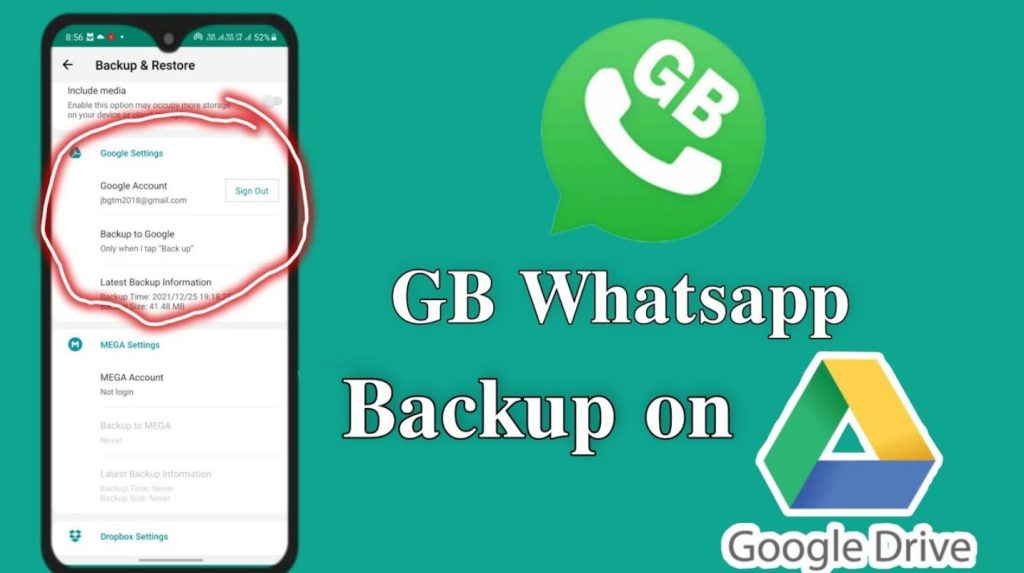
Google Drive backup stores your GB WhatsApp data in your Google account. The app allows automatic backups on a schedule. This method is ideal for those who value convenience.
Advantages
- Easy Restoration
- Restore messages on a new phone easily
- No need to copy manually
- Easy login process
- Automatic Backup
- Scheduled backups
- No need to remember
- Constant protection
- Cloud Protection
- Secured by Google security
- Accessible from anywhere
- Secured even if the phone is lost
Disadvantages
- Less Privacy
- Stored on cloud servers
- Data transmitted through third-party services
- Dependent on Google account security
- Possible Issues
- Some may not restore correctly
- Sync issues may occur
- Internet connection required
Google Drive backup is best for those who value convenience and ease of backup.
Which Backup Method Is Safer?
For GB WhatsApp, safety depends on your preference.
Local backup is safer when it comes to privacy. Google Drive backup is safer when it comes to restoration.
Many people find it convenient to use both options simultaneously. Having a local and cloud backup simultaneously gives you better safety from losing important messages.
Tips for Secure GB WhatsApp Backups
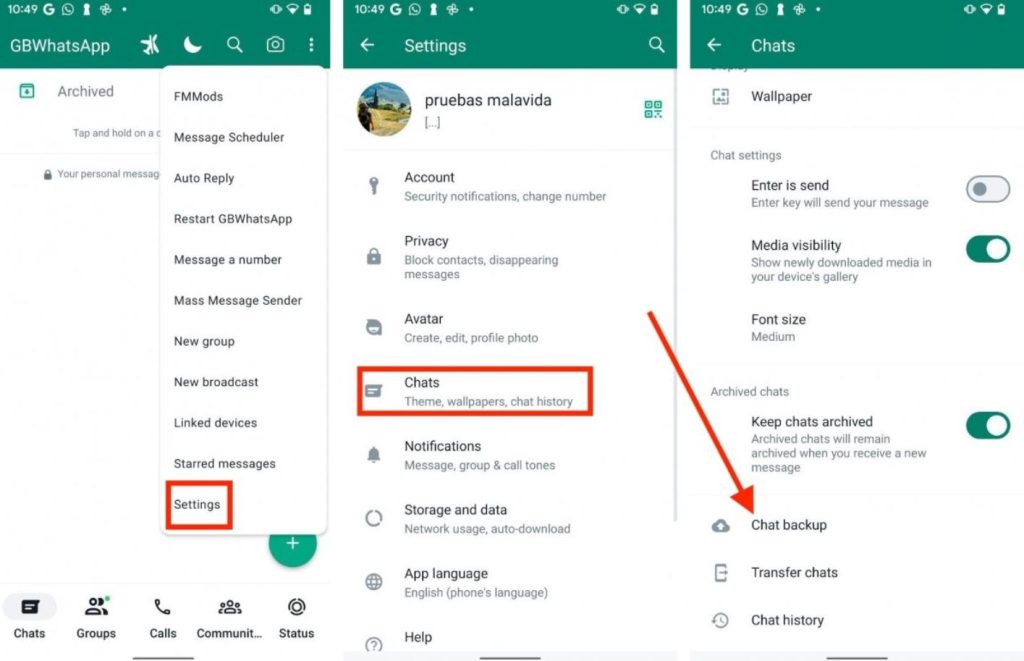
Follow these easy steps to ensure safe GB WhatsApp backups:
- Use a file lock app to secure backup files
- Save backups on a computer or a USB drive
- Enable two-step verification on your Google account
- Do not use unfamiliar cloud storage providers
- Make multiple backup copies
Using the correct backup option ensures safe messages and files. Local backup provides excellent privacy, while Google Drive provides easy restoration. Using both options simultaneously provides better safety and reliability.